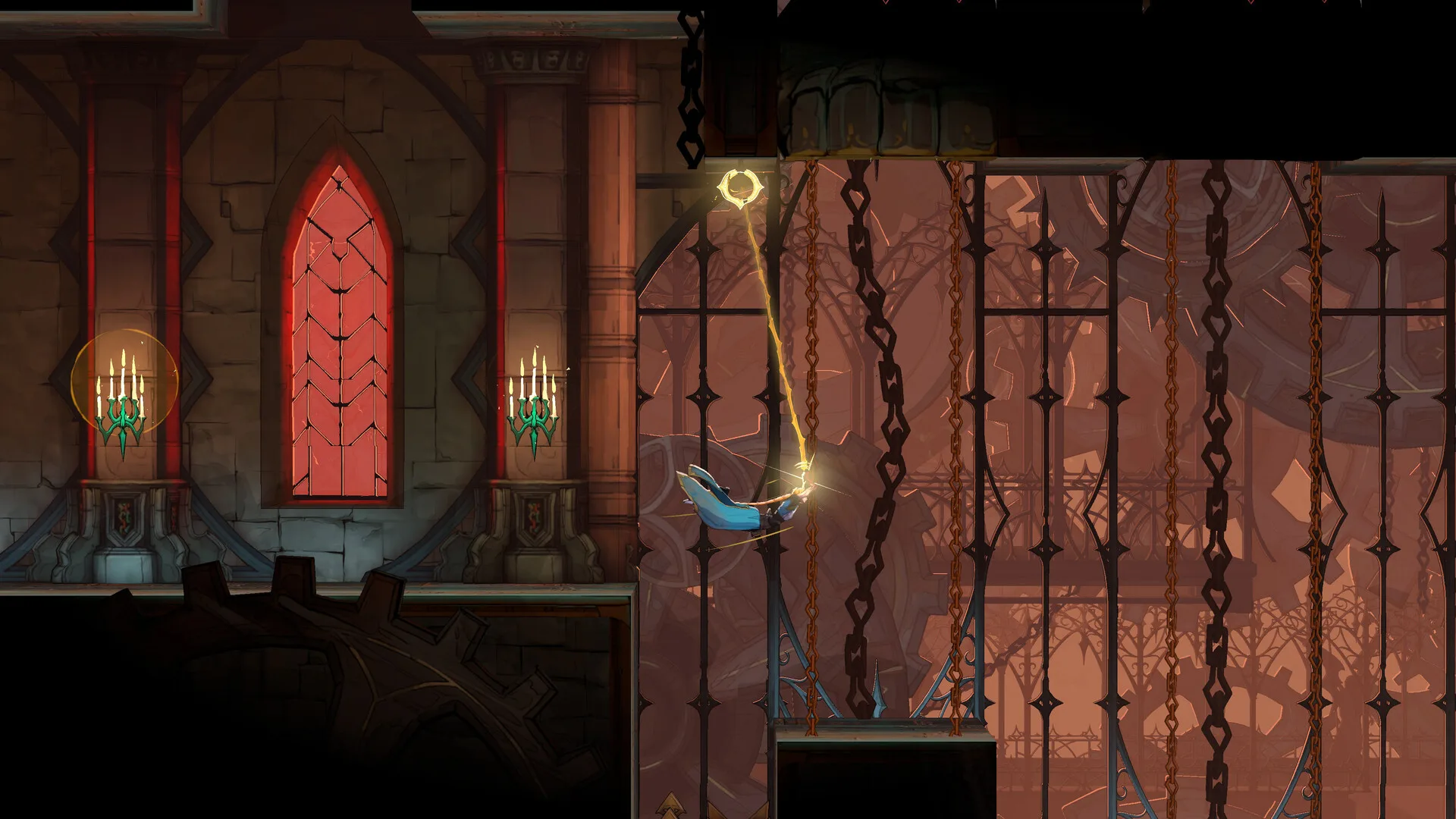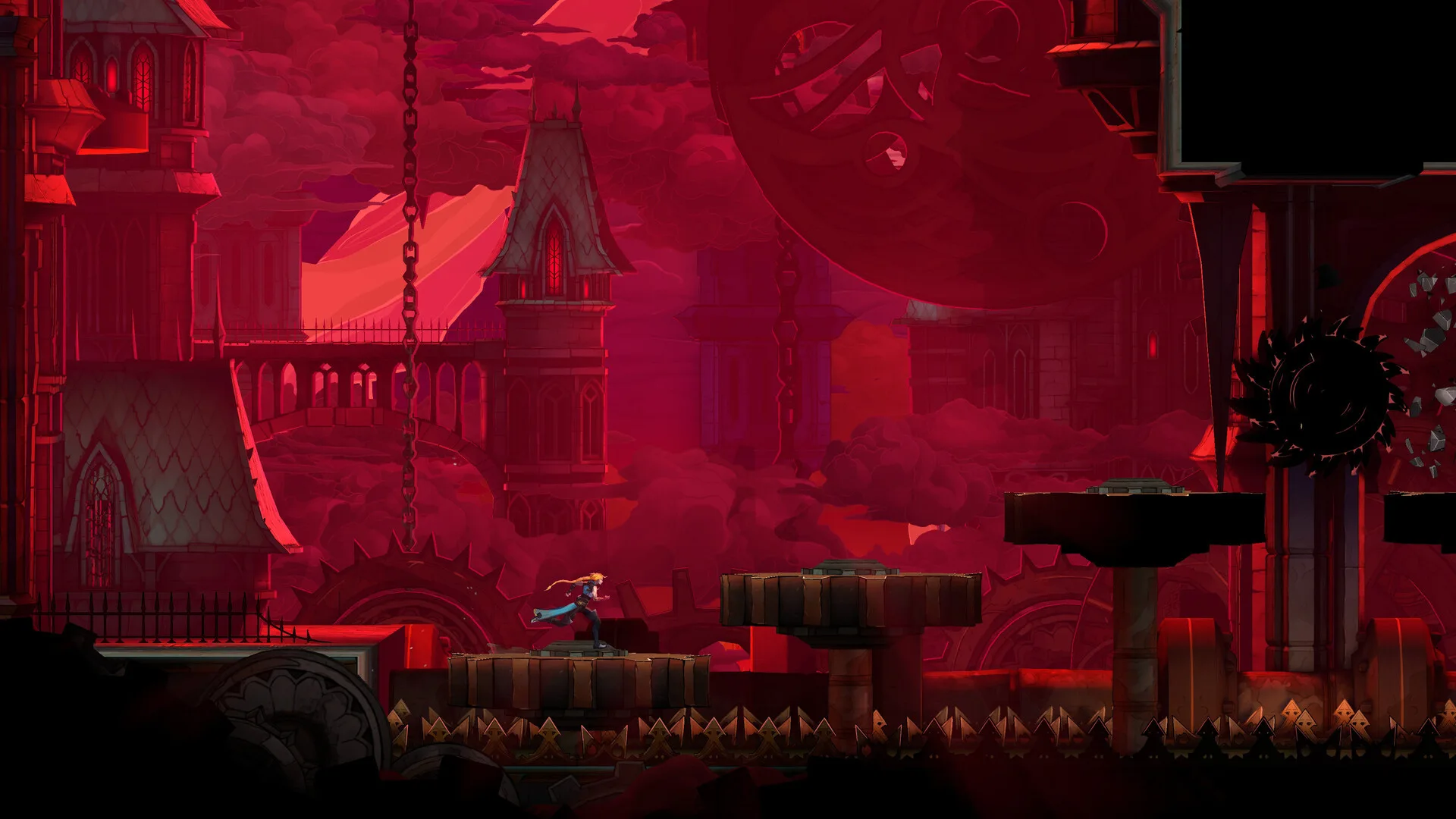
Official PC System Specifications
PC players on Steam can check their hardware against official technical specifications published by Konami and Evil Empire.
Checked October 11, 2026 against the US Steam API, the data below matches the official Steam Store Page for Steam AppID 4231820.
System Requirements Matrix
The table below contrasts the official minimum and recommended hardware tiers:
| Hardware Component | Minimum Specification Tier | Recommended Specification Tier |
|---|---|---|
| Operating System | Windows 11 (64-bit required) | Windows 11 (64-bit required) |
| Processor (CPU) | Intel Core i5 8400 | Intel Core i5 10400 |
| Memory (RAM) | 16 GB RAM | 16 GB RAM |
| Graphics (GPU) | NVIDIA GeForce GTX 1650 | NVIDIA GeForce RTX 3060 |
| DirectX Version | Version 11 | Version 11 |
| Storage Footprint | 10 GB available space | 10 GB available space |
Why the Product Page Also Says 8 GB
KONAMI's product page gives a general Standard capacity of 8 GB and Midnight capacity of 10 GB, with smaller Switch exceptions. Those edition figures are separate from Steam's PC hardware requirement. Use Steam's 10 GB available-space field for the Steam full game, rather than replacing it with the general Standard figure. The edition capacity table keeps the listings side by side.
Technical Analysis of Official Specs
- Storage Footprint: Both minimum and recommended tiers specify 10 GB available space. Note that the official demo page separately lists 4 GB minimum capacity for the Steam demo. These are capacity requirements, not measured download sizes.
- Unified Memory Requirement: Unlike titles with staggered memory tiers, the official Steam specification establishes 16 GB RAM as the baseline across both tiers.
- Graphics Architecture: The GTX 1650 provides the baseline graphics entry, while the RTX 3060 is specified as the recommended graphics hardware.
Documented Parameters and Verified Scope
The parameters above reflect the exact hardware specifications published on the official Steam store page. Specific resolution targets, graphic presets, and handheld certifications have not been published and remain unverified prior to full release.
Compare the Published Tiers With Your Hardware
The Steam requirements are a compatibility reference, not a measured performance chart. The minimum and recommended tiers name different Intel processors and NVIDIA graphics cards while both list Windows 11, 16 GB RAM, DirectX 11, and 10 GB available space.
Our editorial suggestion is to inventory those fields before making a performance assumption. Record the operating system, CPU model, GPU model, installed memory, and available storage shown by your system. Compare each field with the corresponding published field rather than using one strong component to stand in for the entire machine.
| Field | Comparison question |
|---|---|
| Operating system | Does it match the listed Windows 11 and 64-bit requirement? |
| Processor | Which published tier are you comparing it with? |
| Graphics | Are you comparing the named model or an unverified equivalent? |
| Memory | Does the installed amount meet the listed 16 GB? |
| DirectX | Does the system support the listed version? |
| Storage | Is at least the listed available space present for the full game? |
The store does not provide a verified AMD-equivalence list in the evidence used here. Avoid treating a model-name guess as an official substitute, especially if compatibility is the deciding question.
Understand What “Recommended” Does Not Measure
A recommended tier is a publisher or store specification. Without a stated benchmark, it does not establish a resolution, preset, minimum frame rate, or stutter-free result. This guide therefore keeps hardware requirements separate from performance claims.
If you test the available demo, record the device, game version, selected settings, and situation observed. A useful result describes what you actually ran. It should not be generalized into a retail performance guarantee, especially when demo and full-game content can differ.
When comparing two attempts, change one available setting at a time where practical and record the change. This is a general diagnostic method; it does not imply that a particular graphics option or frame-rate setting exists in the game.
Diagnose a Problem by Its Stage
Separate a failure to launch from an observed performance issue after launch. For a launch problem, collect the displayed error, installed version, operating system, and hardware information before looking for a current publisher or platform support instruction. For performance observations, keep the actual scene and settings with the result.
Avoid relying on an undocumented command, driver promise, or controller connection type as a guaranteed fix. The published requirements alone do not establish those solutions.
The demo guide lists its separate minimum capacities and transfer conditions. The platform reference keeps compatibility questions distinct, and the release guide records the date information. Together they let you prepare a useful compatibility check without inventing measured retail performance.
Related Release Resources
- Compare platform targets in the Platforms Guide.
- Review launch timings in our Release Date Guide.
- Explore package editions in the Editions Guide.