Official Demo Scope and Specifications
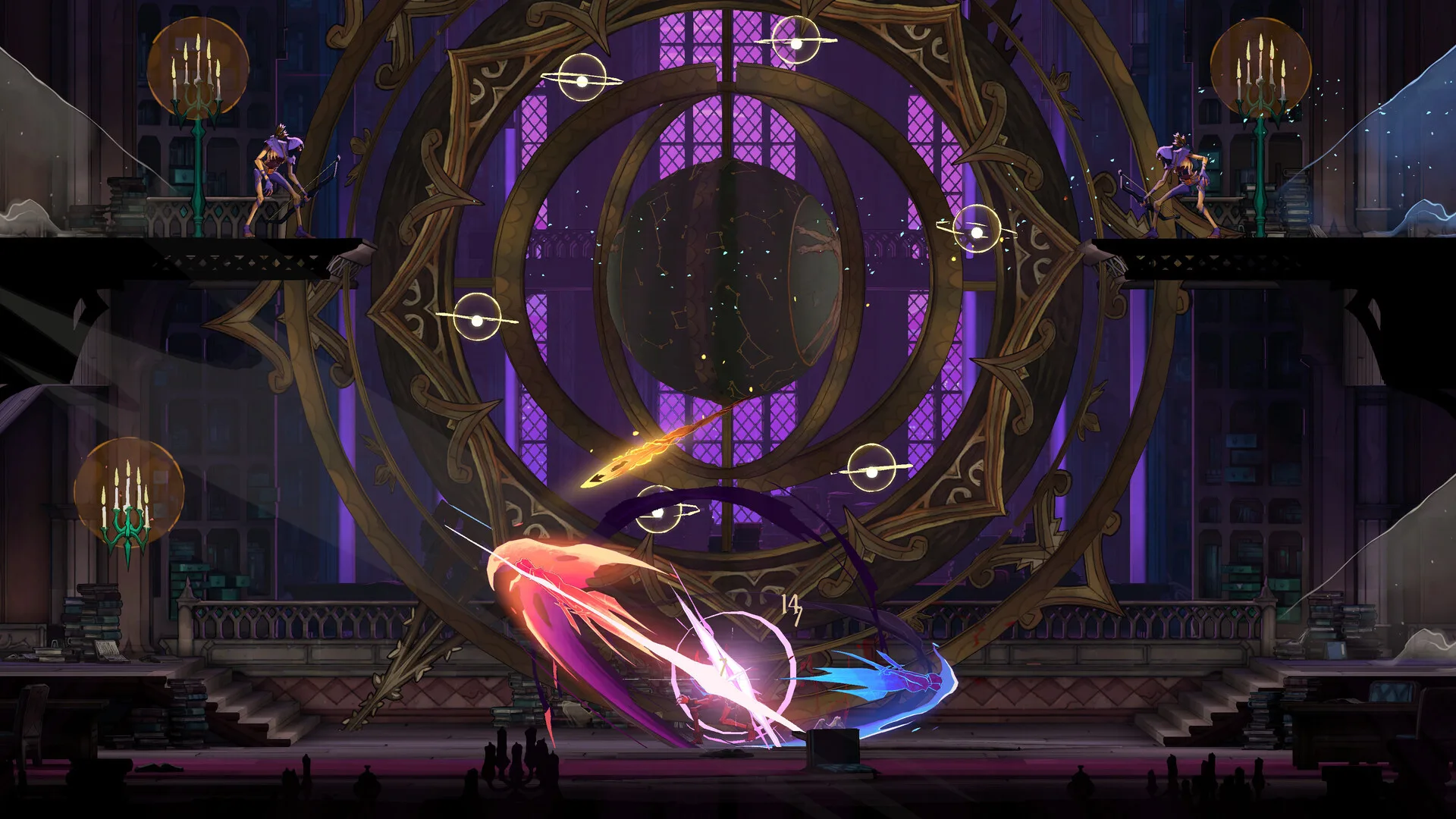
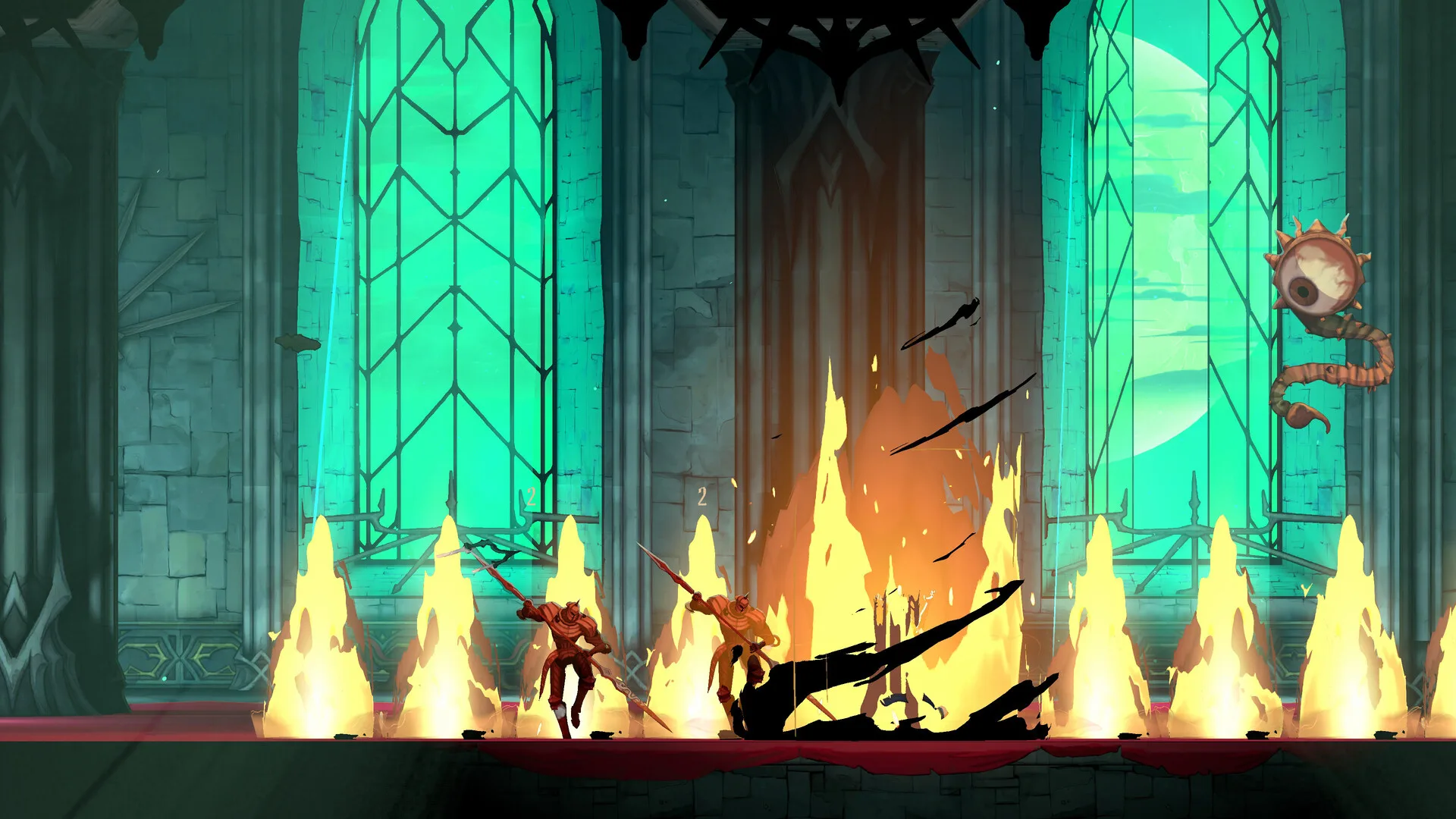
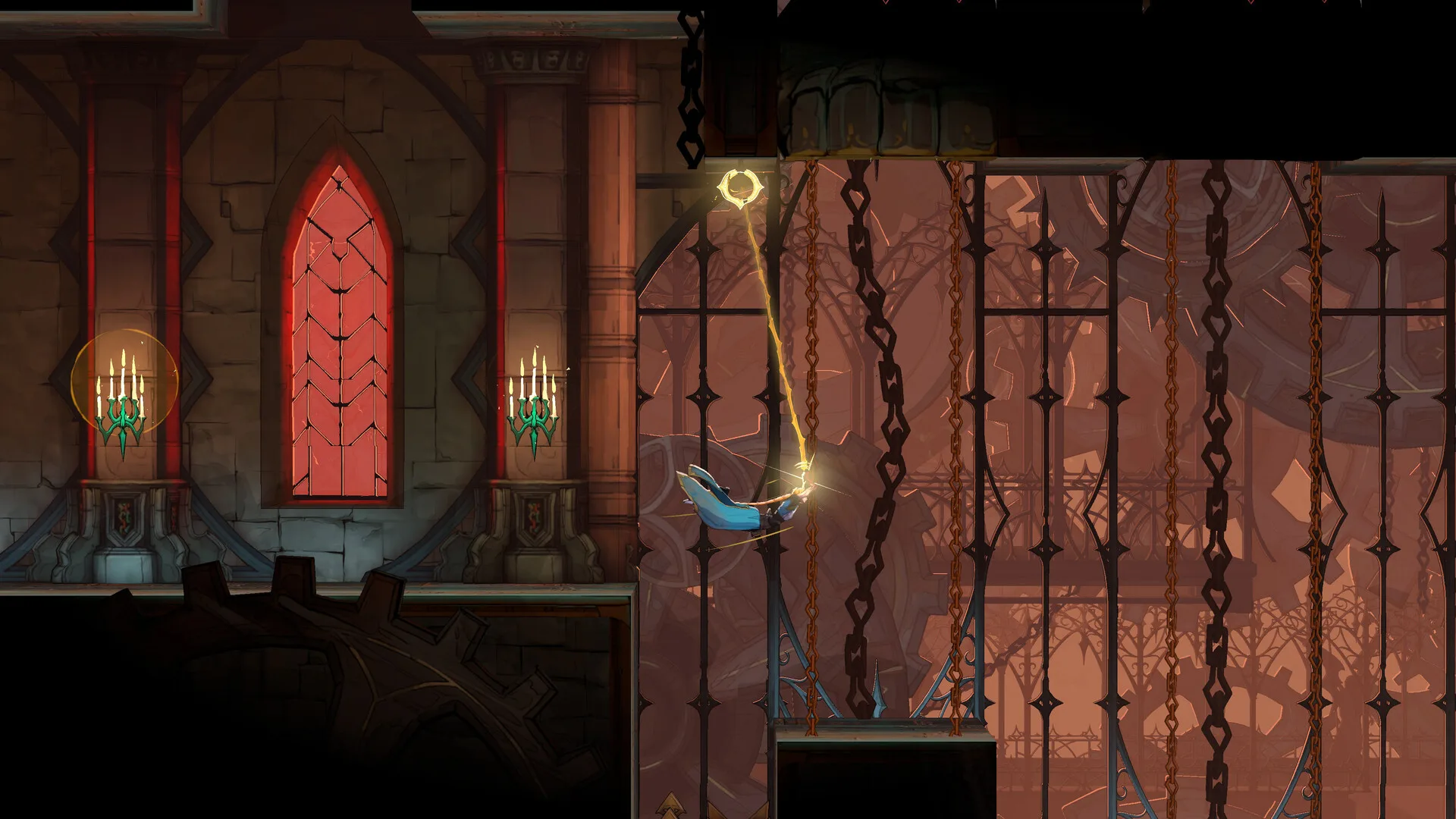
Konami released a public playable demo for Castlevania: Belmont's Curse across all major platforms. The demo offers players a focused introduction to Rose Belmont's agility, combat systems, and the dark gothic atmosphere of 1499 Paris.
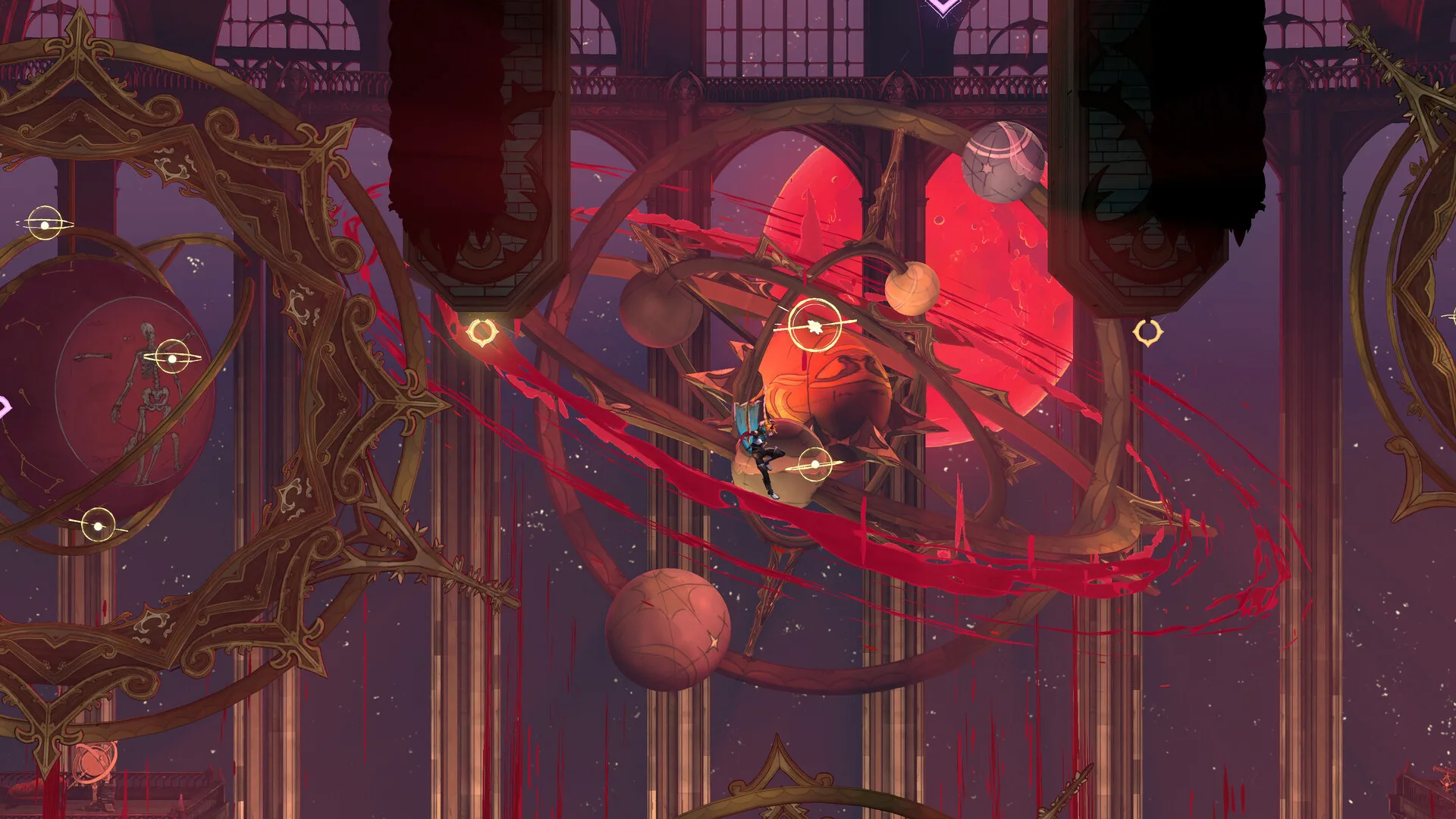
As documented on the KONAMI Demo Overview and the PlayStation Blog Hands-On Report, here are the official specifications, progression boundaries, and transfer policies.
Is There a Demo Max Level or Progression Cap?
Many players exploring the demo wonder whether there is a character max level or stat ceiling to grind before the full retail game.
In Castlevania: Belmont's Curse, character progression is milestone-driven rather than gated by an arbitrary numerical RPG level cap.
- No Infinite Stat Grinding: Unlike titles with traditional numerical character levels (Level 1–99), Rose's offensive and defensive power scales through Arcana Tarot card acquisition, weapon disciplines, and Works of Mercy Blessings.
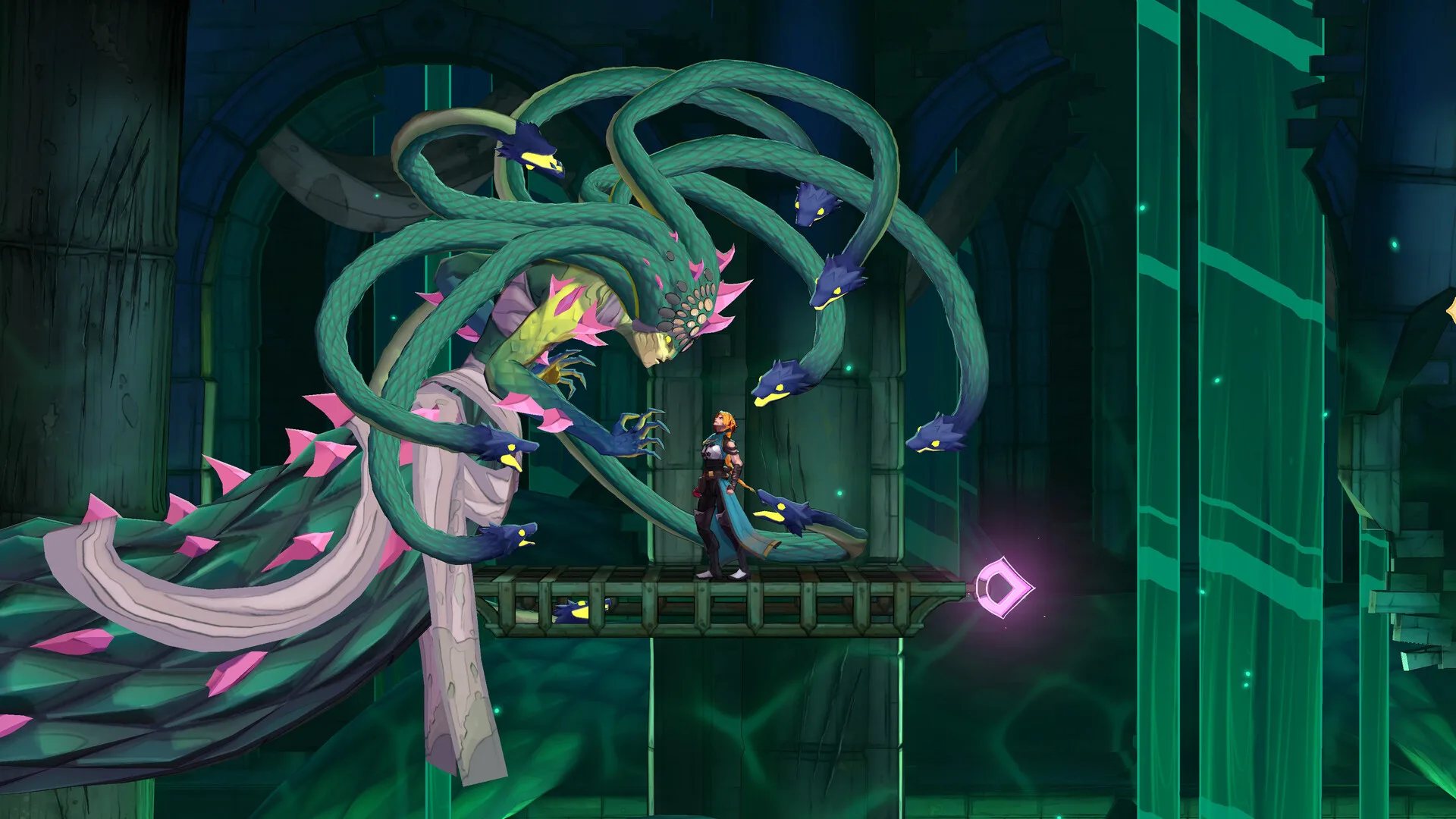
- Chapter 1 Progress Ceiling: The demo terminates its playable progression route immediately after the Sewer Reservoir following the defeat of The Fallen.
- 100% Transferable Assets: All items collected in the demo—including the Holy Cross Arcana card, the secret Cestus gauntlets, discovered Relics like Crypt Key, and health/mana upgrades—carry over seamlessly into the retail release upon save import.
Demo 100% Completion Checklist
To ensure you have unlocked every available piece of equipment and progression milestone before importing your save, complete this step-by-step checklist:
| Milestone Objective | Location | Key Unlock / Reward | Status |
|---|---|---|---|
| Master Agility Basics | Paris Streets | Circle dodge/slide & double-tap backflip | Required for safe traversal |
| Explore the Sewers | Paris Subterrane | Crypt Key Relic & mana recovery practice | Checkpoints full-refill |
| Vanquish First Major Boss | Sewer Arena | Defeat The Fallen | Holy Cross Arcana Card |
| Discover Secret Weapon | Sewer Reservoir | Lash whip vertically above grate platform | Cestus Gauntlets |
| Engage Tarot Progression | Sanctuary | Review initial Works of Mercy tasks | Downstream Blessings |
| Activate Final Checkpoint | Sewer Reservoir | Mirror of Life Save Chamber | Validated Demo Save File |
Platform Availability and Minimum Required Capacity
The demo is accessible across all four announced retail platforms, with verified minimum required storage capacity:
| Platform | Minimum Required Capacity | Listed Demo Frame Rate |
|---|---|---|
| PlayStation 5 | 6 GB | 60 FPS Target |
| Xbox Series X/S | 5 GB | 60 FPS Target |
| Nintendo Switch | 3 GB | 30 FPS Target |
| PC (Steam) | 4 GB | 60 FPS Target |
Demo Language Support and Restrictions
The official demo page lists Japanese, English, German, French, Italian, Spanish (Spain), Brazilian Portuguese, Russian, Traditional Chinese, Simplified Chinese and Korean. It does not break its language row into separate voice/interface fields; the full game's audio and text distinction is explained in the platform language table.
KONAMI also notes that some features and content may be restricted in the demo. The announced scope is the opening chapter, not a promise that every weapon, Boss or ability in a separate preview appears here.
Save Data Transfer Policy
Konami has outlined strict requirements to ensure demo progression transfers successfully into the retail release:
- Same Platform and Account: Demo save data can only be imported into the full game on the same platform and user account.
- Intact Save File: Do not delete your demo save data from your system storage after completing the demo.
- Latest Software Update: The full retail version must be updated to its latest software version for save migration to initialize.
A Save-Transfer Decision Tree
The official transfer conditions are more useful when applied to your own situation. The following checklist organizes those conditions:
- Will you use the same platform? If you plan to move to another platform, the official same-platform transfer condition is not satisfied. Do not assume progress will follow the purchase.
- Will you use the same account? Confirm the profile used for the demo before launching the full game. Having a save on the device is not a substitute for matching the account condition.
- Have you retained the demo save? Preserve the save you intend to import. This guide does not supply a verified procedure for reconstructing deleted data.
- Is the full game current? The official instructions require the latest full-game version when transferring. Check the platform's current update status.
If Progress Is Not Recognized
Start with the four official conditions. Compare the demo's platform and account with those used for the full game, confirm that the intended save remains present, and check the full-game version:
| Check | Evidence to collect |
|---|---|
| Platform | Where the demo was played and where the full game is running |
| Account | Whether both sessions use the same profile |
| Save retained | Whether the platform still shows the intended demo data |
| Full-game version | The installed version or update status |
| Actual result | The displayed message or behavior when attempting transfer |
If those checks do not resolve the problem, use the platform or publisher's documented support process. Avoid following an unverified file-deletion or save-replacement procedure simply because it worked for another game.
Official Downloads and Further Reading
The publisher's demo platform page is linked in Sources for current store listings. The official resources guide gathers trailers, the Fan kit and recording guidelines in one place.
Related Release Resources
- Check announced launch information in the Release Date Guide.
- Compare special edition packages in our Editions Guide.
- Learn secret weapon discovery in the Cestus Gauntlets Guide.
- Learn boss combat tactics in The Fallen Boss Guide.
- Explore general combat mechanics in our Combat Guide.